Sheet marks can come from many sources: furnish, rolls, drainage elements, press nips, dryer cylinders, showers, or paper machine clothing. The challenge is to identify whether the mark is truly related to fabric wear or contamination before changing the wrong component.
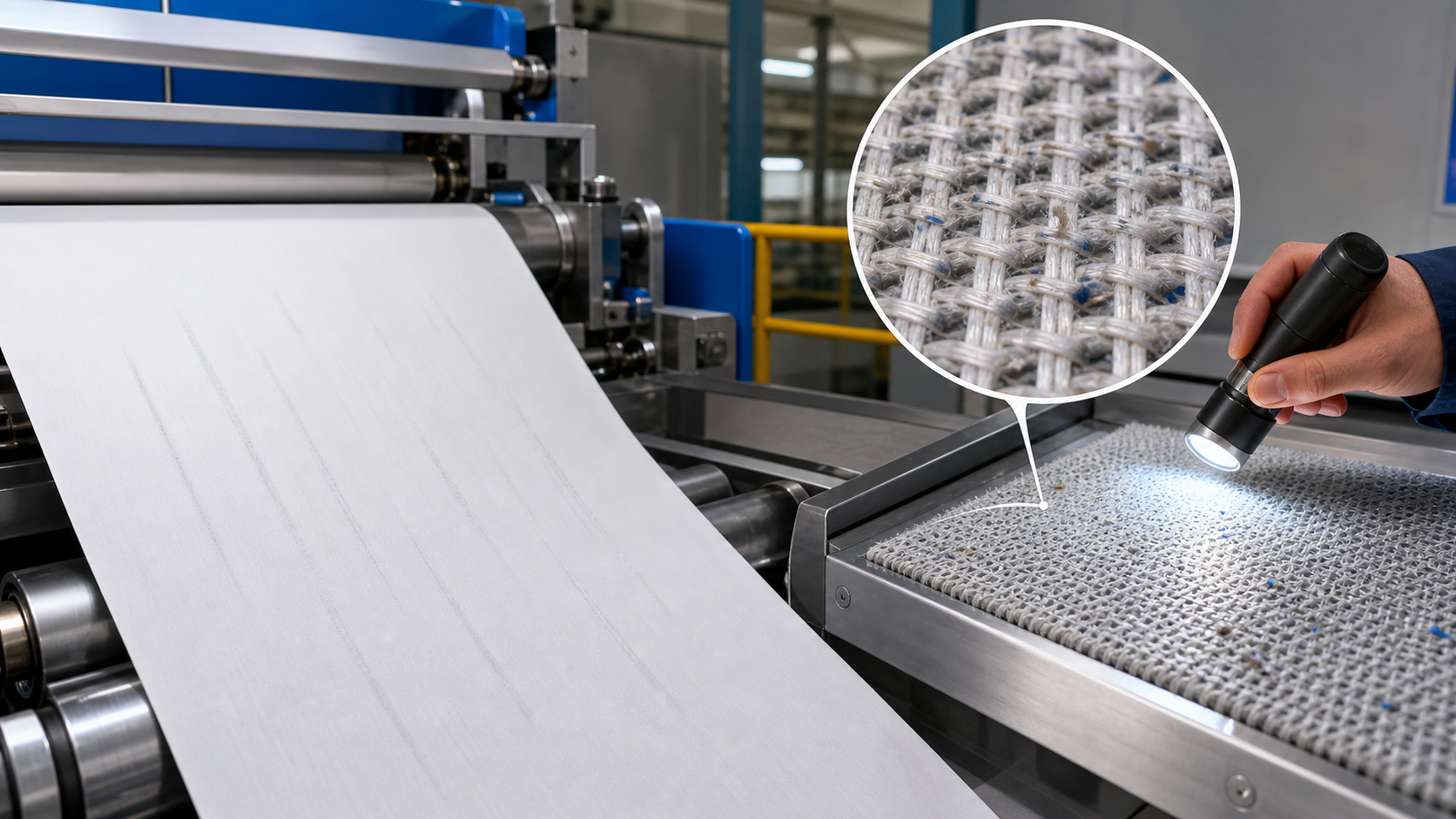
Start With the Mark Pattern
Look at direction, repeat interval, width position, and when the mark appears. A machine-direction repeating mark often suggests a rotating component or seam event. A cross-machine streak may point to showers, suction, deposits, or local fabric plugging.
| Sheet Symptom | Possible Fabric Link |
| --- | --- |
| Fine regular mesh impression | Fabric design, tension, nip load, or excessive vacuum |
| Streak at one edge | Edge contamination, guiding, or local wear |
| Repeating seam-like mark | Seam contamination, seam damage, or poor seam passage |
| Random dark spots | Sticky deposits, filler buildup, or chemical contamination |
| Moisture streak after press | Press felt plugging or uneven conditioning |
Inspect the Clothing by Position
For the wire section, inspect forming fabric cleanliness, drainage element contact, edge wear, and vacuum settings. In the press section, review press felt permeability, uhle box covers, and shower performance. In the dryer section, check dryer fabric seam condition, deposits, tension, and cylinder contact.
Do Not Ignore Machine Conditions
A fabric can show damage that was caused by the machine. Sharp stationary elements, poor roll alignment, unbalanced vacuum, damaged covers, or chemical shock can all create fabric wear patterns that later appear on the sheet.
Practical Diagnostic Workflow
- Photograph the sheet mark with scale and orientation.
- Measure repeat distance if the mark repeats.
- Compare the mark with fabric seam, roll circumference, and component spacing.
- Inspect the corresponding fabric surface under good lighting.
- Check showers, vacuum, chemical dosage, and recent grade changes.
- Clean only with approved methods and record the result.
- If the mark remains, involve the fabric supplier with complete operating data.
Practical Takeaway
Good troubleshooting is evidence-based. Match the sheet mark to machine position, fabric condition, and operating changes before deciding whether to clean, adjust, repair, or replace.


